
Mac-first
Designed as a serious macOS utility with native workflows for local setup, smart-card login readiness, configuration profiles, and support diagnostics.
Mac-native PIV operations
KeyOps is a macOS utility for issuing, verifying, pairing, managing, and revoking PIV credentials. It supports generic PIV smart cards and YubiKeys in PIV mode, with Demo / Local Lab CA, Secure Enclave issuing, and external CA workflows for teams that need stronger authentication without a heavyweight CMS.
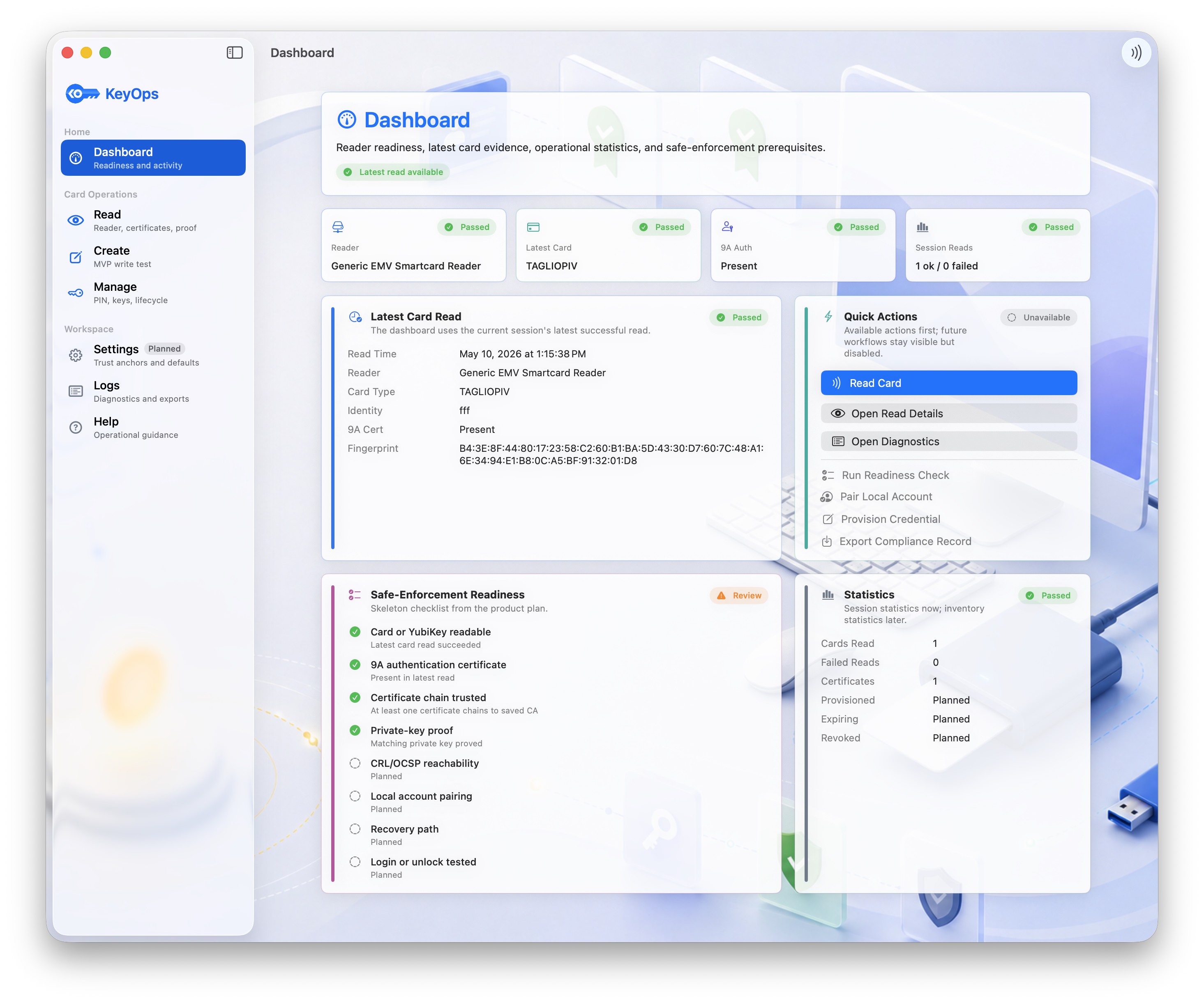
KeyOps focuses on real operational workflows: getting cards issued, checked, trusted, paired, and retired on Macs without making every team deploy a full smart-card management platform.
Designed as a serious macOS utility with native workflows for local setup, smart-card login readiness, configuration profiles, and support diagnostics.

Centered on PIV slots, certificates, object reads, trust validation, revocation checks, private-key proof, management keys, and lifecycle operations.

Supports YubiKeys in PIV mode so teams already using YubiKeys can issue, verify, pair, revoke, and audit practical certificate operations.
The app is organized around the jobs operators and Mac users actually perform: read, create, manage, verify, and keep evidence.
A home view for reader readiness, latest card activity, quick actions, statistics, and safe-enforcement state.
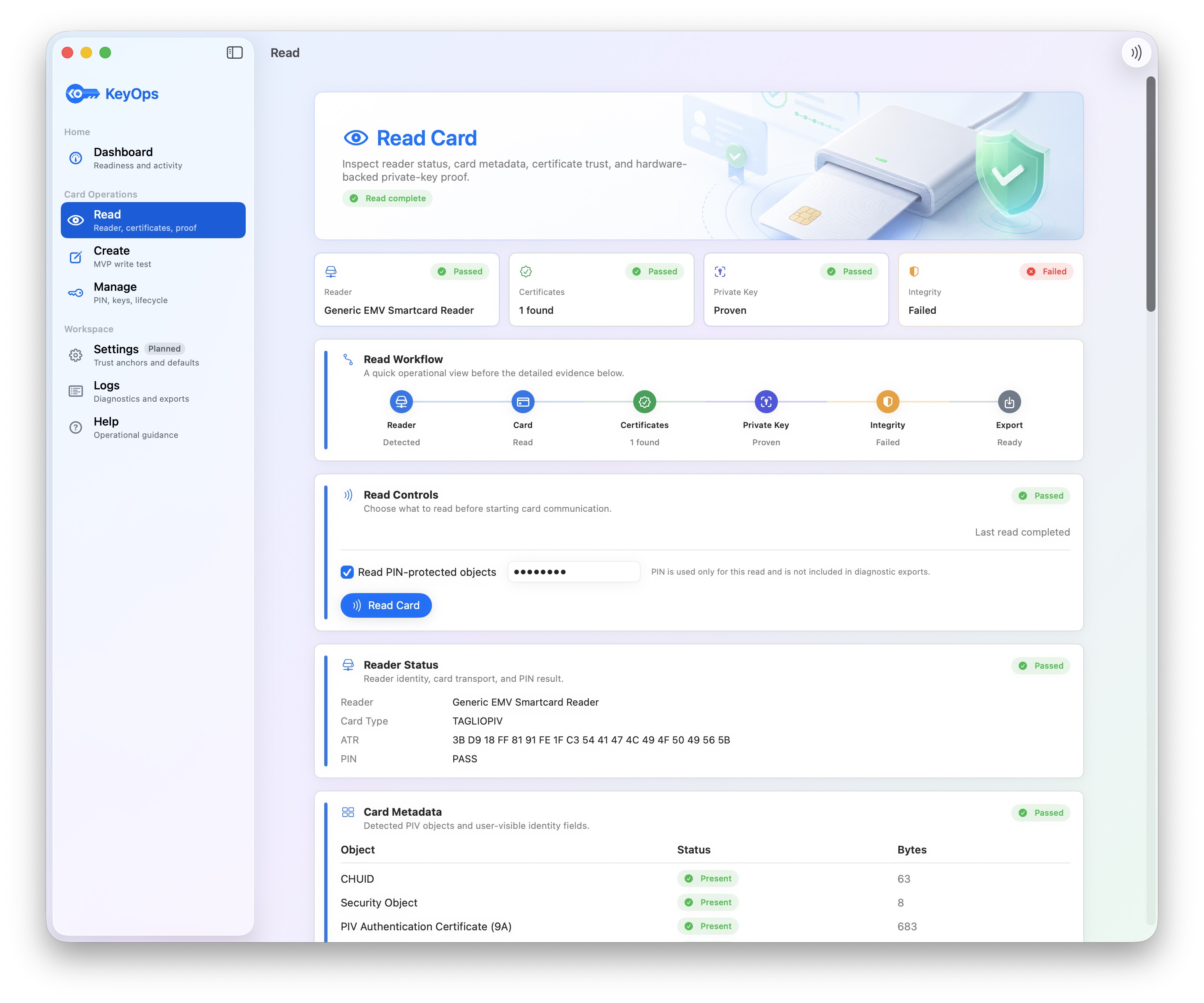
Inspect a card or YubiKey, read PIV objects, validate certificates, prove private-key presence, and export safe diagnostics.
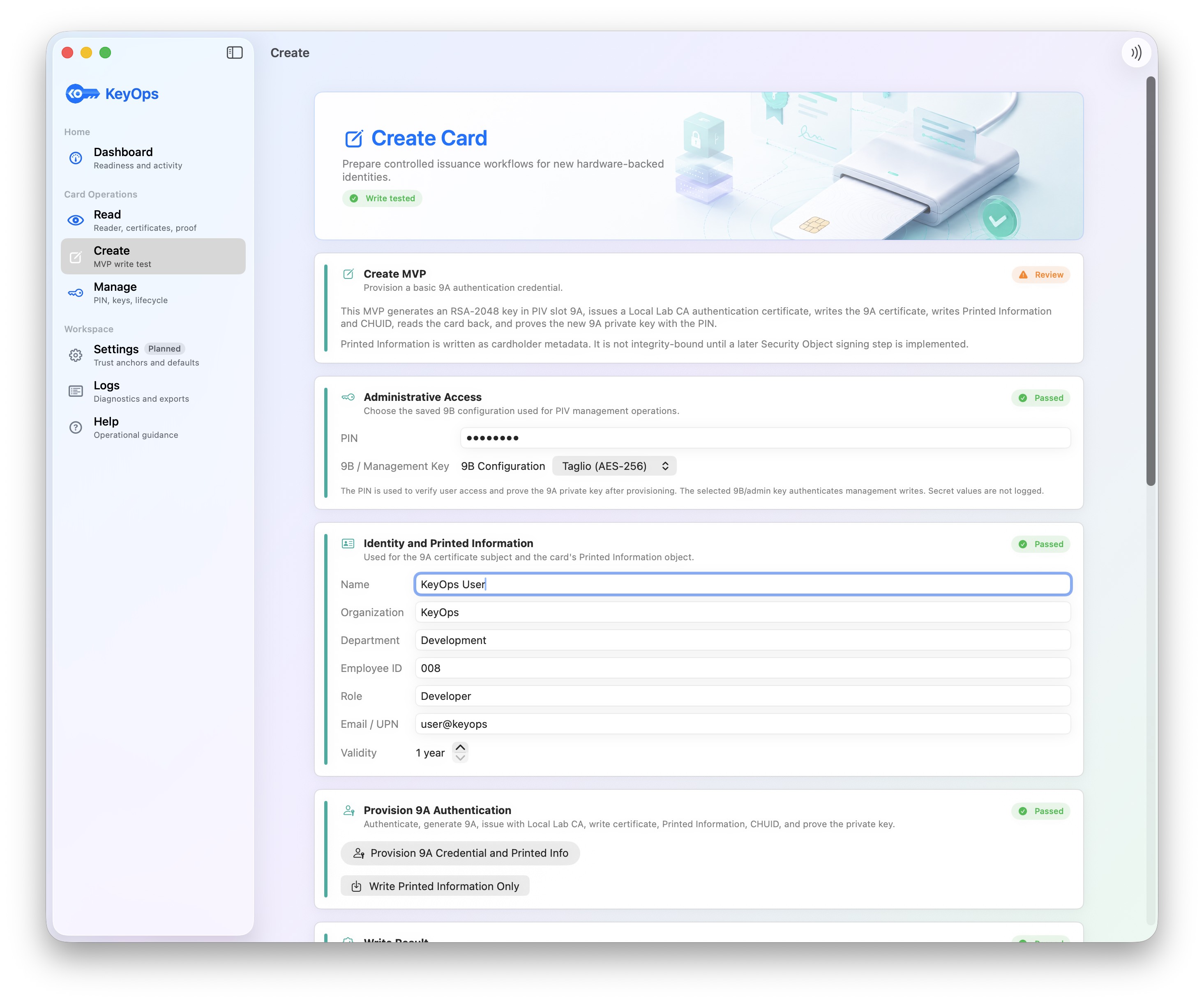
Provision credentials with named 9B management-key configurations, selectable CA issuance, card writes, and post-write verification.
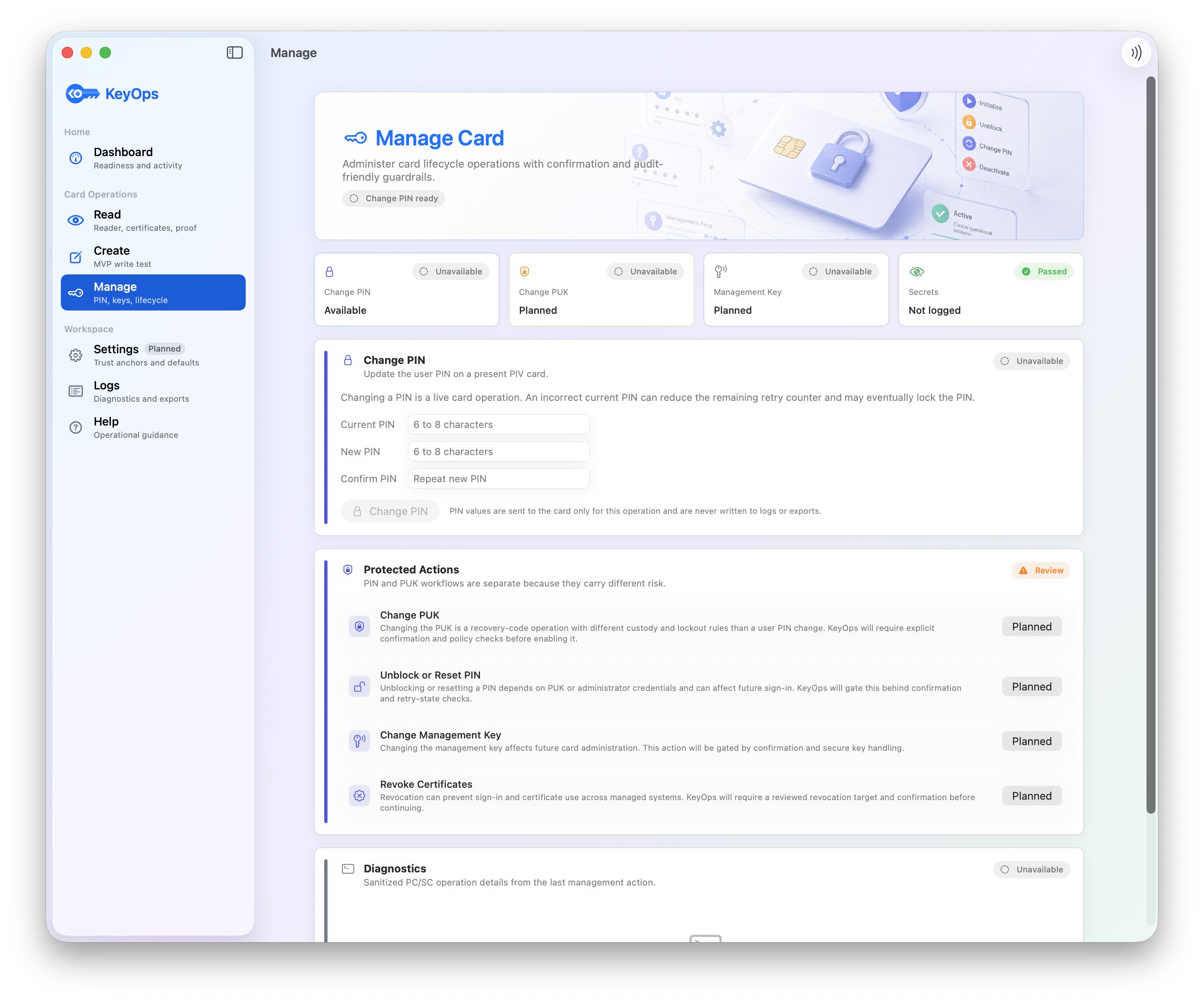
Handle lifecycle operations such as PIN and PUK changes, protected actions, key rotation, replacement, retirement, and revocation workflows.
Configure trust anchors, CA sources, named 9B keys, revocation behavior, and defaults for card verification and creation.
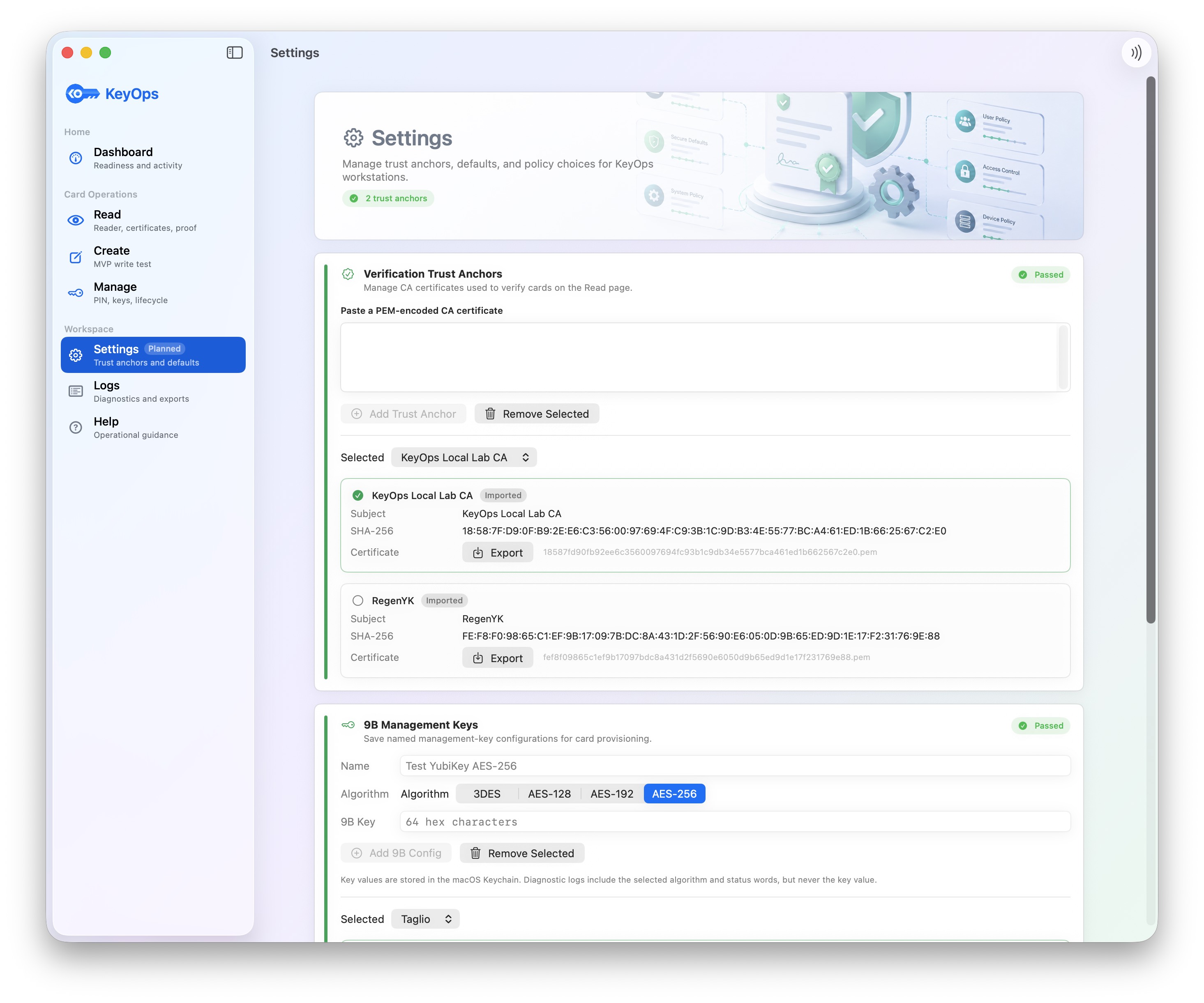
Keep diagnostic and compliance evidence for card reads, writes, verification outcomes, inventory events, and lifecycle decisions.
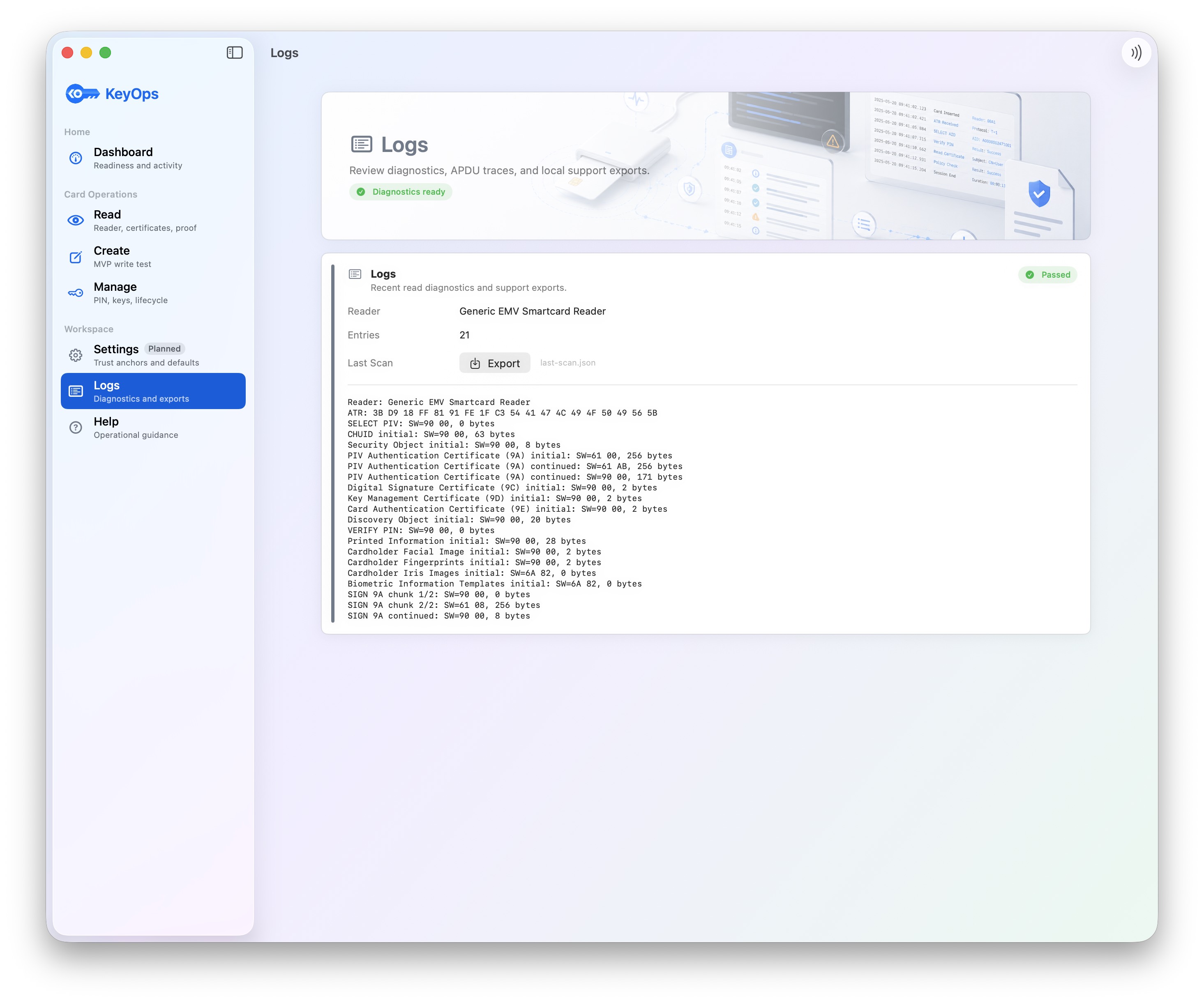
PIV gives teams a practical foundation for identity that is hardware-backed, certificate-based, and usable across many access paths.

Authentication can be tied to a card or YubiKey, with private keys generated on-device and proven by challenge signing.

PIV credentials can support macOS login, VPN, Wi-Fi, mTLS, SSH, signing, and privileged access workflows.

Issued, verified, replaced, retired, and revoked credentials can become visible operational events instead of tribal knowledge.
The same cardholder credential can become a stronger identity signal across devices, networks, internal services, admin workflows, and site access.
 Facilities
Coordinate door, lab, Mac, VPN, and internal app access around one hardware-backed identity lifecycle.
 Mac login
Pair PIV authentication certificates with macOS accounts, then gate smart-card-only enforcement on readiness checks.
 Operations
Track card inventory, readiness, certificate status, revocation, replacement, and audit evidence in one place.
 Lifecycle
Issue, verify, pair, renew, revoke, and retire credentials with clear operational records.
 Developers
Use card-backed certificates for SSH, internal services, development labs, and privileged engineering access.
 Signing
Use hardware-backed certificates for approvals, signed documents, trusted email, and high-confidence business workflows.
 Creator proof
Timestamp photos, illustrations, writing, designs, inventions, or other original work before publishing, creating stronger evidence of authorship and priority if creator rights are challenged later.
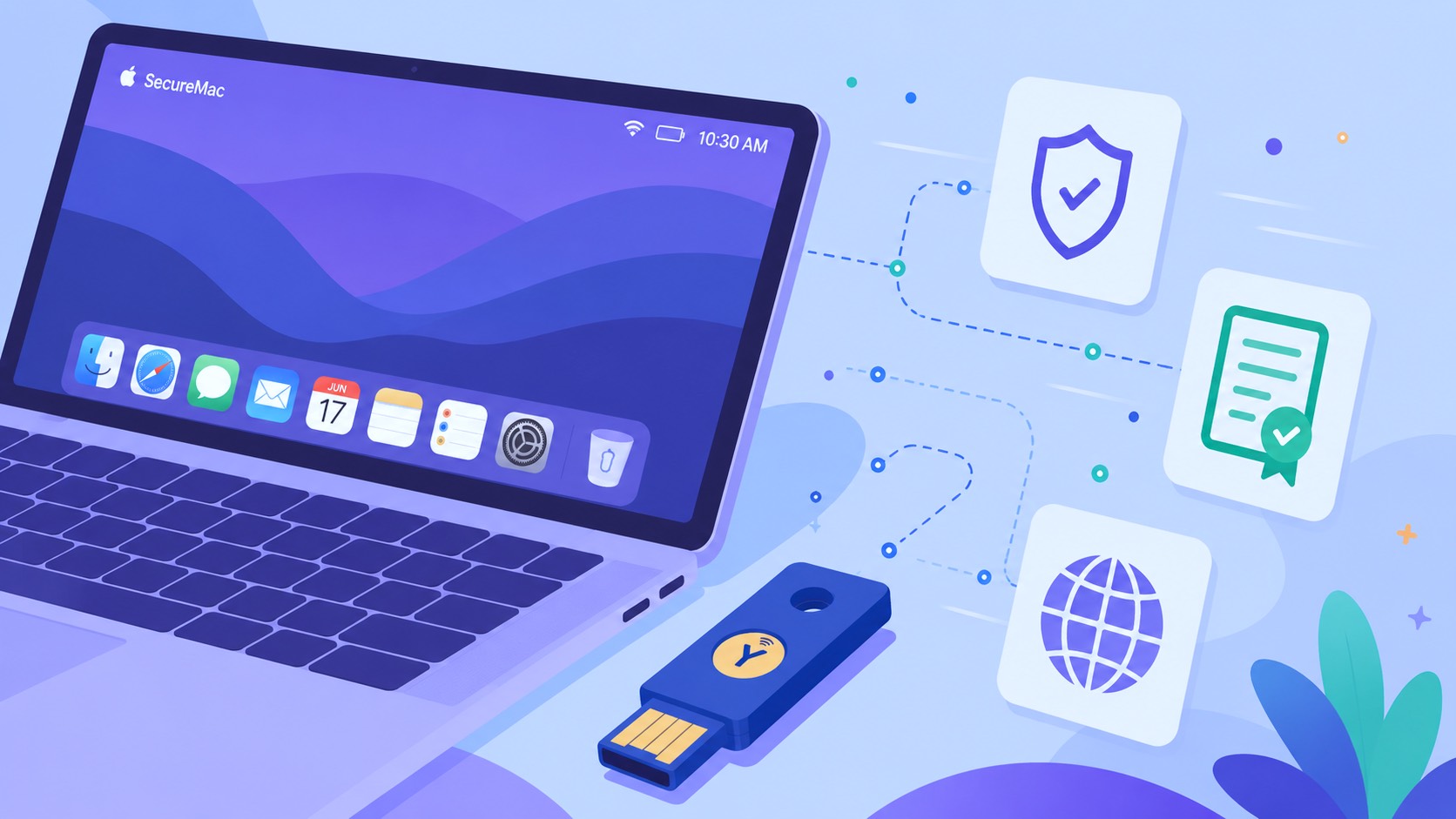 YubiKey teams
Bring YubiKeys already deployed for MFA into certificate-backed Mac, network, and administrative workflows.
KeyOps is designed to make strong hardware-backed identity approachable for teams that need practical deployment, clear verification, and safer enforcement on macOS.